
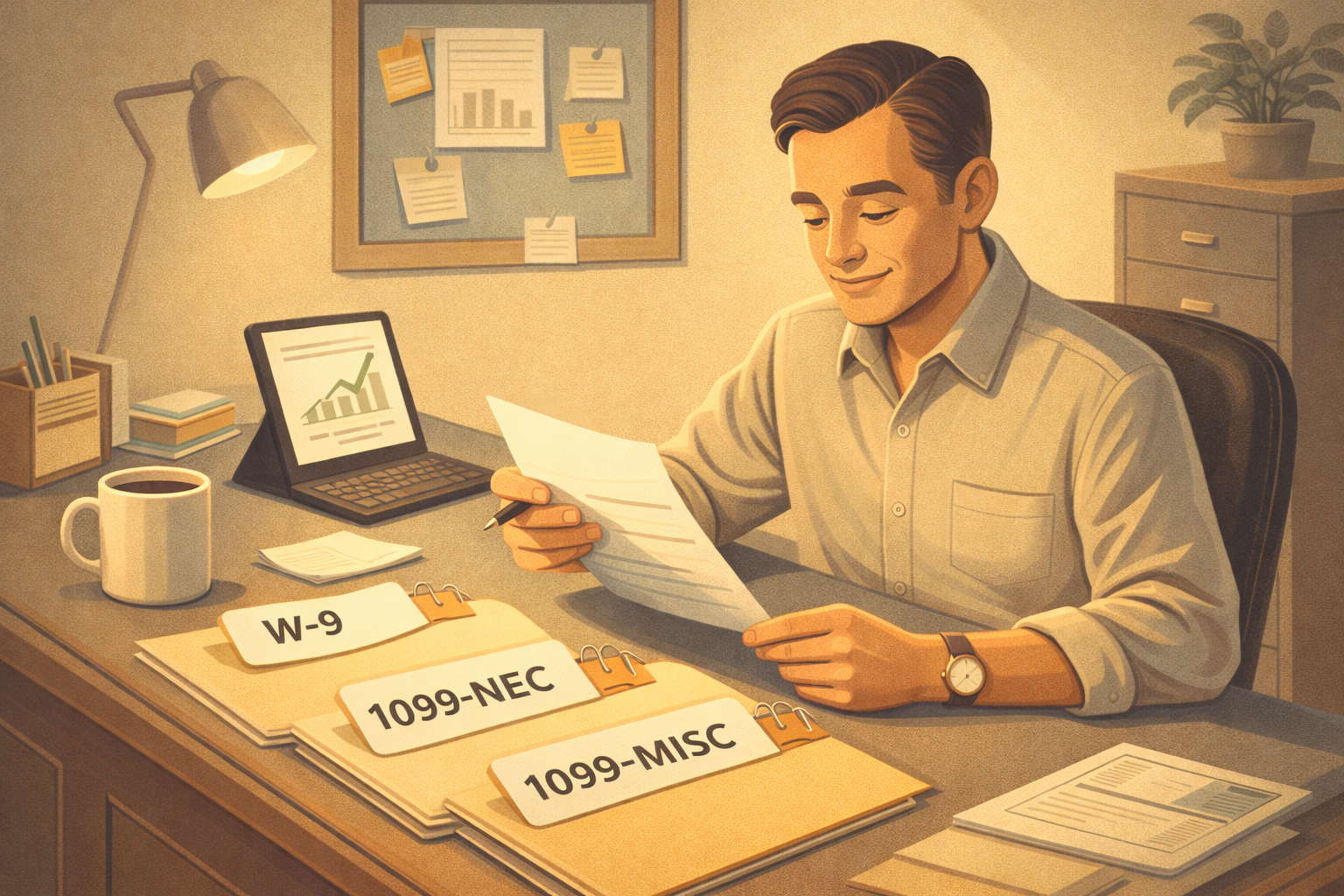
A Simple Way to Know What Your Business Is Required to Do
Here’s the part most business owners don’t hear up front:
If you pay vendors by credit card or payment processor, you usually don’t need to worry about 1099s at all.
1099 rules depend on three things, but payment method comes first.
Once you start there, the rest becomes much easier.


Step 1: How Did You Pay Them? (Start Here)
Skim this first:
If you paid using:
- Credit card
- Debit card
- PayPal
- Stripe
- Square
- QuickBooks Payments
➡️ Stop here. No 1099 required from you.
Why:
When payments go through a third-party processor, the processor handles any required reporting. The Internal Revenue Service only wants income reported once.
Payment method alone can remove your 1099 obligation.
➕ Side note: What about the 1099-K?
If payments are processed through platforms like Square or QuickBooks Payments, the processor may issue a 1099-K to the payee and the IRS — not to you.
Important context (current rules):
- A 1099-K is generally issued only if both of the following are met:
- Over $20,000 in gross payments
- More than 200 transactions in the year
- Many small businesses will not receive a 1099-K yet — and that’s normal.
- Whether or not a 1099-K is issued, all income is still reportable.
This is why paying by card or processor removes the need for you to issue a 1099-NEC.
Only continue if you paid by:
- Check
- ACH / bank transfer
- Cash
- Zelle
If you didn’t use one of these, you can skip the rest of this blog.
Step 2: Collect a W-9 (Before or With First Payment)
Quick version:
- ✔️ Get a W-9 from the vendor
- ✔️ Do this early in the relationship
- ✔️ Keep it on file
Why:
The W-9 tells you how the vendor is taxed, which determines whether a 1099 is even possible.
Step 3: Read the W-9 (This Determines Eligibility)
Ignore “LLC”
LLC status alone does not determine 1099 requirements.
Look at the tax classification box
If the W-9 says:
- Individual / Sole Proprietor → continue
- LLC taxed as Partnership → continue
- LLC taxed as S-Corp → ❌ stop (no 1099)
- LLC taxed as C-Corp → ❌ stop (no 1099)
Corporations (including S-corps) are generally exempt from 1099 reporting.
Step 4: What Were You Paying For?
Was it for services?
Did someone do work for your business?
Examples:
- Contractors & freelancers
- Repairs & maintenance
- Consulting
- Virtual assistants
- Designers, marketers, bookkeepers
If yes → this points to 1099-NEC.
Was it NOT for services?
Examples:
- Rent
- Royalties
- Prizes or awards
- Legal settlements
If no work was performed → this may point to 1099-MISC.
Step 5: 1099 NEC vs MISC
🧾 1099-NEC (Most Common)
Use when:
- Payment was for services
- Vendor is Individual, Sole Prop, or Partnership
- Total paid is $600+
- Paid by check / ACH / cash / Zelle
📄 1099-MISC (Less Common)
Use when:
- Payment was not for services
- Examples include rent or prizes
- Same payment-method rules apply
Final Reality Check
If any of the following is true, you do not issue a 1099:
- Paid by credit card or processor
- Vendor is an S-Corp or C-Corp
- Total paid was under $600
This removes most vendors from consideration for most businesses.
If you’re just starting out:
The simplest way to think about 1099s:
- How did I pay them?
→ Card/processor = stop - Do I have a W-9?
- How are they taxed?
- Was it for services or not?
Answer those in order, and the right answer becomes obvious.
FAQs
What is a 1099 form for contractors?
A 1099 form is used by businesses to report payments made to independent contractors. You use them only if you paid them over $600 per year and if you paid that via Check, ACH, Cash, or Zelle. A copy goes to the contractor for them to use for their tax reporting and then you also send a copy to the IRS.
Who needs to receive a 1099-NEC?
A 1099-NEC is the most commonly used. This is for services when the vendor is an individual, Sole Prop, or Partnership and the total paid is $600 or more paid by check/ACH/cash/Zelle.
What information do I need before creating a 1099?
Usually all the information you need will be on the contractor W-9 and then the dollar amount you paid them for the year in question. You can usually get this via your accounting software.
When should I request a W-9 from a contractor?
When you first start working with a contractor, that is the time to request a W-9. If you have not collected them in the past, then now (whenever you realize you should) is the time!
How do I calculate total reportable payments?
Since you only need to report anything paid via Check, ACH, Cash, or Zelle, you can usually go to your account that you paid them from and do a search. The easier way is to use an accounting software and run a report from the specific account. Make sure you aren’t including credit card or other processor payments.
What is the deadline for sending 1099s to contractors?
The deadline for sending 1099s to contractors is January 31st of each year. You must also file it with the IRS by the same date.
Do I also need to file 1099s with the IRS?
Yes, you give copies to the contractor as well as sending them to the IRS. There is a form you use as a cover sheet for your business, and then you put copies of the contractor 1099 forms with it.
Can I create 1099s online?
Yes, you can create and file Form 1099-NEC online using accounting software or e-filing services. Many platforms will generate, file with the Internal Revenue Service, and send copies to contractors for you.
What happens if I miss the filing deadline?
If you miss the deadline to file Form 1099-NEC, the Internal Revenue Service may charge late filing penalties, which increase the longer you wait. Filing as soon as possible can help reduce the penalty.
What payment methods require 1099 reporting?
Payments from check, ACH, cash, and Zelle type payments require 1099 reporting. Only if over $600.
How do I correct a mistake on a filed 1099?
To correct a mistake on a filed Form 1099-NEC, you’ll need to submit a corrected form to the Internal Revenue Service and provide an updated copy to the contractor. Most e-filing services or accounting software make it easy to file a correction.
Can payroll software help with 1099 preparation?
Yes, many accounting software such as QuickBooks Online, can help you with 1099 preparation. Usually there is an extra fee for that so just be aware.
more2heather@gmail.com | (206) 227-6128