
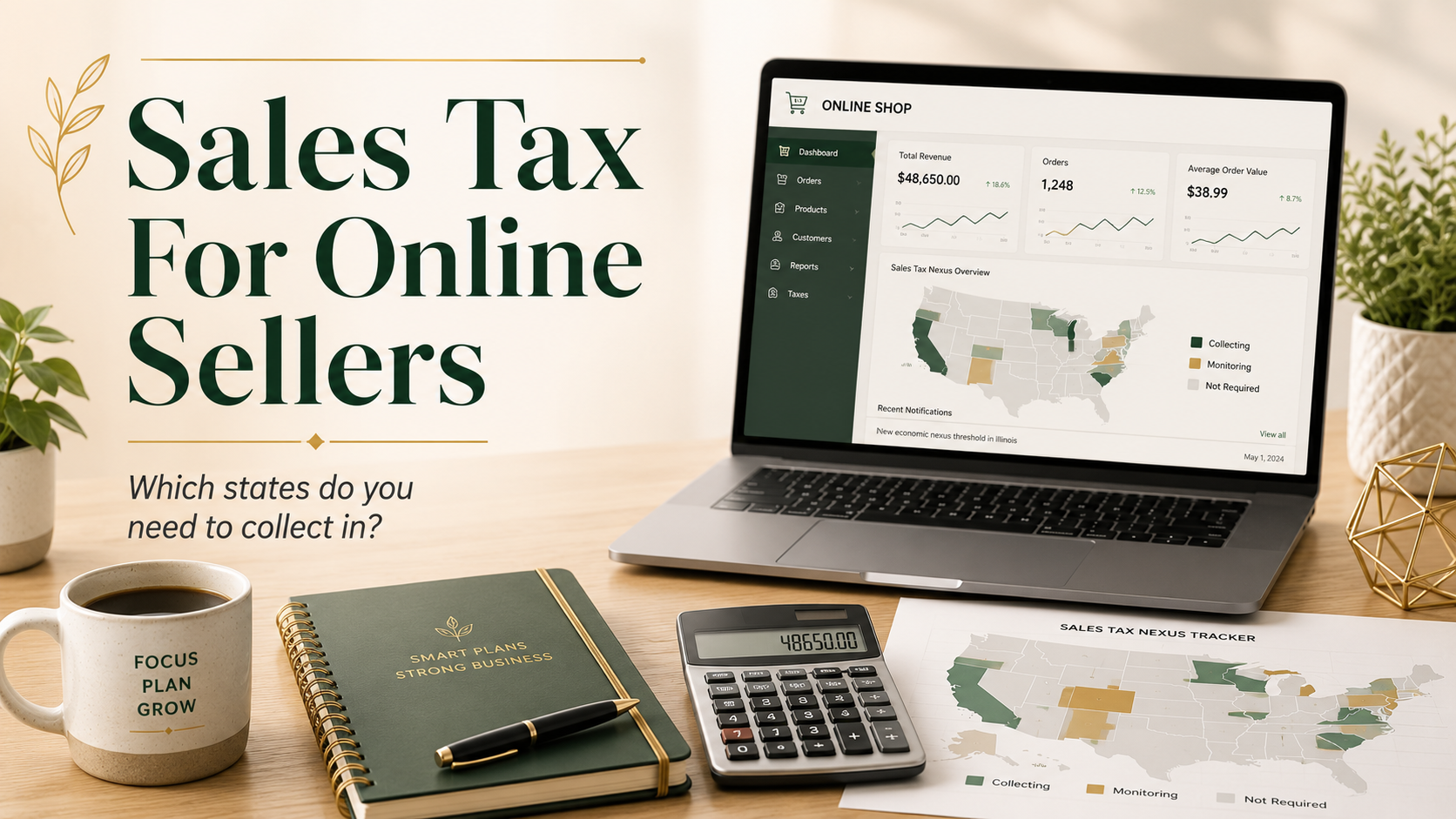
Sales tax can feel simple at first.
You start a business. You sell a product. You collect sales tax in your own state.
Easy enough, right?
Then your online store grows. Someone buys from Oregon. Then California. Then Texas. Then Florida. Suddenly you are wondering:
Do I need to collect sales tax in every state?
For most small business owners, the answer is usually no, not automatically.
But you do need to know where your business has a sales tax obligation. You also need a simple way to keep track as your business grows.
This blog is focused on U.S. sales tax for small businesses and online sellers. International sales, VAT, customs, and import rules are a completely different topic.
Also, sales tax rules can change. This is general information, not tax or legal advice. Always check with your tax professional, bookkeeper, sales tax specialist, or the state tax agency for your specific situation.
What Is Sales Tax Nexus?
The key word here is nexus.
Sales tax nexus means your business has enough of a connection with a state that the state can require you to collect and send in sales tax.
That connection can happen in a few ways.
The two big ones are:
Physical nexus
This means your business has a physical connection to the state.
Economic nexus
This means your business has enough sales activity in the state, even if you are not physically located there.
Once you have nexus in a state, you may need to register, collect sales tax, file sales tax returns, and send the tax to that state.
Start With Your Home State
Your home state is usually the first place to get right.
For example, if your business is located in Washington State, you generally need to collect and remit Washington sales tax on taxable sales delivered to Washington customers.
That is because your business has a physical connection to Washington.
You may have physical nexus in a state if you have:
- A business location there
- An office there
- Employees there
- Inventory stored there
- A warehouse or fulfillment center there
- A booth at markets, fairs, or pop-up events there
- Contractors, reps, or other business activity there
Physical nexus is not only about where you live. It can also be about where your business activity happens.
So before worrying about all 50 states, start with this question:
Where does my business physically operate?
That is your first sales tax checkpoint.
What Is Economic Nexus?
Economic nexus is where things get more confusing for online sellers.
Economic nexus means you may need to collect sales tax in a state because you have sold enough into that state.
You do not need an office there.
You do not need an employee there.
You do not need to live there.
Your sales volume alone may be enough to create a sales tax obligation.
Each state sets its own threshold. Once your sales into that state go over the threshold, you may need to register and begin collecting sales tax.
Some thresholds are based on dollar amount.
Some may also include transaction count.
Some states look at gross sales. Others may look at taxable sales. Some include marketplace sales. Some do not.
This is why it is important not to guess.
Do You Charge Sales Tax on Items Shipped Out-Of-State?
Usually, no.
You generally collect sales tax in states where you have sales tax nexus.
That may include:
- Your home state
- States where you have physical presence
- States where you have crossed an economic nexus threshold
You do not normally collect sales tax in every state just because someone from that state buys from your website.
For example, let’s say your business is in Washington State.
You sell a few products to customers in Idaho, Arizona, and Florida. That does not automatically mean you need to register for sales tax in all three states.
But if your sales into one of those states grow enough to cross that state’s economic nexus threshold, that may change.
The goal is not to panic.
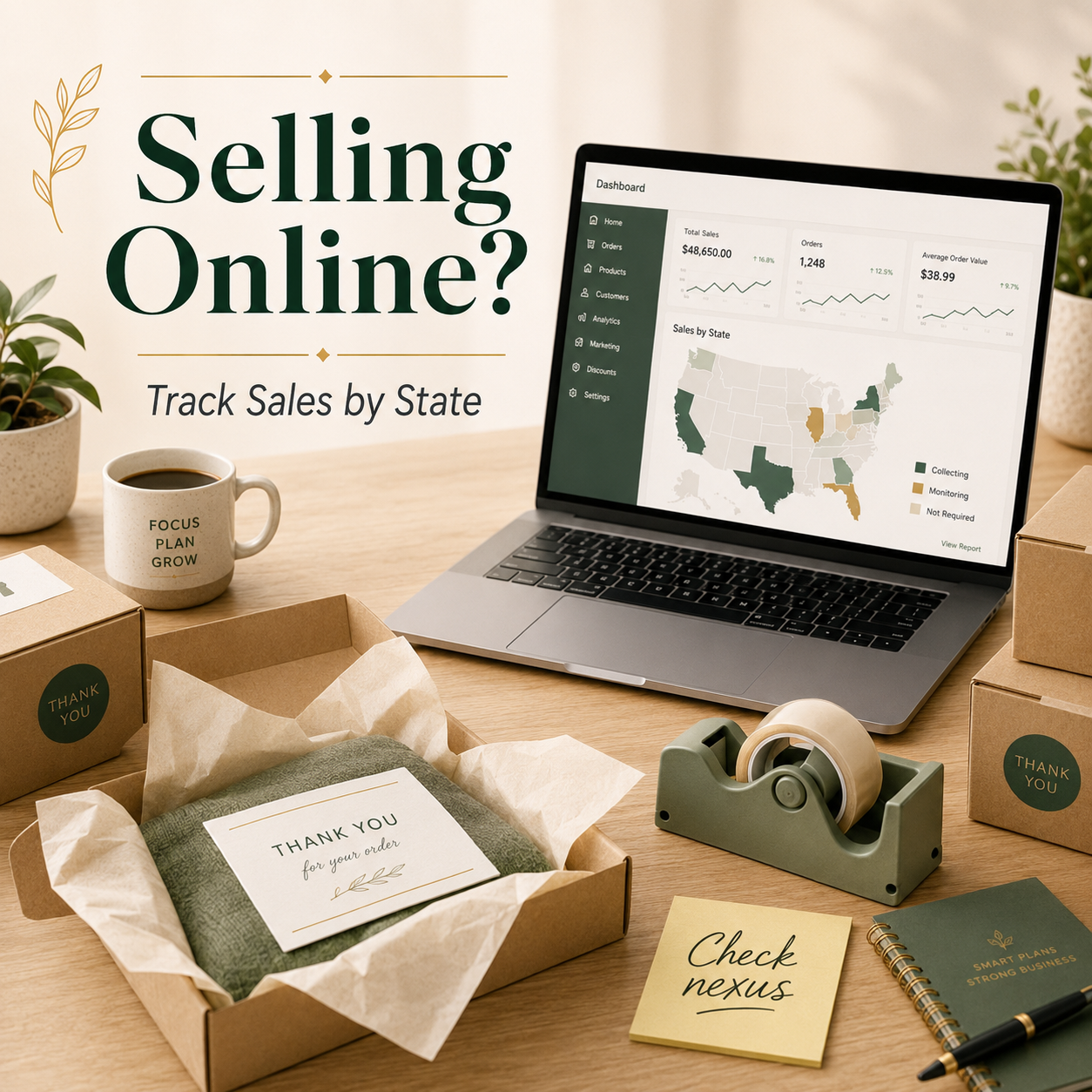
The goal is to track your sales by state so you know when it is time to take action.
What Are Sales Tax Thresholds?
A sales tax threshold is the point where your sales activity may create economic nexus in another state.
A threshold might be based on:
- Total sales into that state
- Taxable sales into that state
- Gross revenue into that state
- Number of transactions
- A combination of sales and transaction count
Many states have thresholds that are fairly high for very small sellers. That is why a newer e-commerce business may only need to collect sales tax in its home state at first.
But once your business grows, these thresholds matter.
For example, if your store starts making a large number of sales into another state, you may need to register there and start collecting sales tax from customers in that state.
The tricky part is that every state can have its own rules.
That is why it is helpful to use a current state-by-state sales tax threshold resource or a sales tax app that tracks this for you.
Where Can You Check Sales Tax Requirements by State?
Because sales tax rules change, I would not rely on an old chart you found in a random search result.
Instead, use resources that are updated regularly.
Helpful places to check include:
- Sales Tax Institute’s Economic Nexus State-by-State Chart (link: Economic Nexus State Chart – State by State Economic Nexus Rules | Sales Tax Institute)
- Streamlined Sales Tax Remote Seller State Guidance
- Your state Department of Revenue website
- Shopify’s U.S. tax liability insights, if you use Shopify
- A sales tax app or sales tax professional
You do not need to memorize every state’s rules.
You need a reliable way to check them.
What Happens When You Cross an Economic Nexus Threshold?
If you cross a state’s sales tax threshold, you may need to take a few steps.
Usually, this includes:
- Registering with that state
- Setting up sales tax collection for that state
- Charging the correct sales tax rate
- Filing sales tax returns
- Remitting the tax you collected
- Keeping good records
Do not just turn on sales tax collection in a state without checking the registration rules.
Some states may not want you collecting sales tax until you are properly registered. And each state may have its own timing rules for when collection should begin.
This is a good time to check with a tax professional, sales tax specialist, or the state agency.
What About Marketplace Sales Tax?
Marketplace sales can add another layer.
If you sell on platforms like Amazon, Etsy, eBay, or Walmart, the marketplace may collect and remit sales tax for you in many states.
That sounds simple, but you still need to pay attention.
Marketplace sales may still count toward sales tax thresholds in some states. Also, if you sell both through marketplaces and through your own website, your total sales picture can get more complicated.
For example, you might sell through Etsy and Shopify.
Etsy may collect sales tax on Etsy orders. But your Shopify sales may still need to be reviewed separately. And in some states, marketplace sales may still matter when looking at economic nexus.
This is one of those areas where it is worth getting help if your sales are growing.
Does Shopify Collect Sales Tax?
Shopify can help calculate and collect sales tax, but it does not remove your responsibility as the business owner.
You still need to know:
- Where your business is registered
- Where you should be collecting sales tax
- Which products are taxable
- Which states you may be close to crossing
- Whether your Shopify settings are correct
Shopify has U.S. tax liability insights that can help you review where you may have possible sales tax obligations.
That can be really helpful.
But if you sell on multiple platforms, have outside sales, or use marketplace channels, you may still need a broader review.
My Real-Life Small Business Note
For my own Shopify store, I do not want to manually check every state threshold every month.
That is just not a good use of my brain space.
I use an add-on app called Tax Rex to help monitor state thresholds. It helps me see when my sales may be getting close to a state’s economic nexus threshold so I know when it might be time to take a closer look.
That does not mean every business needs the same app.
But every business does need some kind of system.
That system might be:
- Shopify tax liability insights
- A sales tax app
- A monthly sales-by-state report
- A bookkeeper
- A CPA
- A sales tax specialist
The important thing is that you are not guessing.
Simple Monthly Sales Tax Check-In
If you sell online, it is a good idea to review sales tax regularly.
This does not have to be complicated.
Once a month or once a quarter, check:
- Which states you sold to
- How much you sold in each state
- Whether any state is getting close to a threshold
- Whether marketplace sales are included or excluded
- Whether you have inventory stored in another state
- Whether your home state filings are current
- Whether your Shopify or sales tax app settings still look right
If your business is very small, this may be a quick review.
If your business is growing quickly, you may need a more formal process.
Either way, the goal is the same:
Know before it becomes a problem.
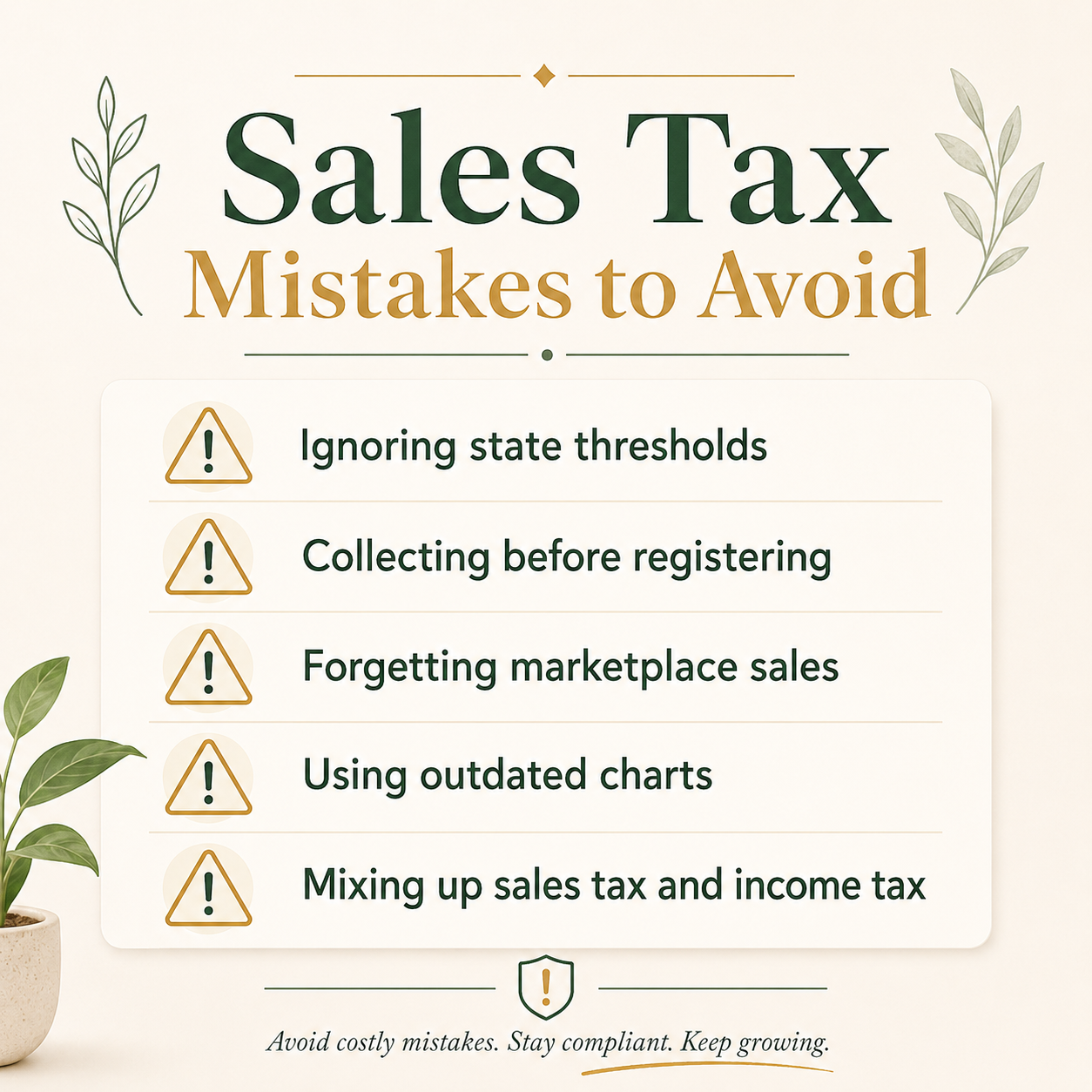
Common Sales Tax Mistakes to Avoid
Sales tax mistakes are easy to make, especially when you are focused on making products, shipping orders, and keeping your business moving.
Here are some common ones to watch for.
Mistake #1: Assuming You Only Collect in Your Home State Forever
Your home state may be the first state where you collect sales tax.
But it may not be the only one forever.
As your sales grow, you may cross thresholds in other states.
Mistake #2: Assuming You Need to Collect in Every State Right Away
Most small sellers do not need to register in every state on day one.
You generally need to look at where you have nexus.
Registering everywhere before you need to can create extra filing work and extra stress.
Mistake #3: Ignoring Economic Nexus
Economic nexus is easy to forget because it is based on sales activity, not where you physically work.
But if your online sales grow, it matters.
Mistake #4: Collecting Sales Tax Before Registering
Do not just turn on tax collection in a state without checking whether you need to register first.
Collecting tax comes with responsibility.
If you collect it, you need to know where it goes and how to file.
Mistake #5: Thinking the Marketplace Handles Everything
Marketplaces often collect and remit sales tax for marketplace orders.
But that does not always mean you can ignore nexus tracking.
This is especially true if you also sell through your own website.
Mistake #6: Using an Outdated Threshold Chart
Sales tax rules change.
If you are using a chart from three years ago, it may not be accurate anymore.
Use current resources and check the date.
Mistake #7: Mixing Up Sales Tax and Income Tax
Sales tax is not the same as income tax.
Sales tax is collected from customers and sent to the state.
Income tax is based on your business profit.
Both matter, but they are not the same thing.
When Should You Get Help?
You may want professional help if:
- You are close to crossing a state threshold
- You already crossed a threshold
- You sell through multiple platforms
- You use Amazon FBA or other fulfillment warehouses
- You sell digital products, subscriptions, or services
- You sell both taxable and non-taxable items
- You received a notice from a state
- You are behind on sales tax filings
- You are not sure if your Shopify settings are correct
Sales tax is one of those areas where a little help can save a lot of future cleanup.
Sales tax does not have to mean registering in every state right away.
Start with your home state.
Then look at where you have physical presence.
Then track your sales into other states so you know when economic nexus might apply.
You do not need to memorize every state’s rules. You need a simple system that helps you keep an eye on your sales as your business grows.
That might be Shopify’s tools.
It might be a sales tax app.
It might be a monthly report.
It might be help from your bookkeeper, CPA, or sales tax specialist.
The magic is not in knowing everything.
The magic is in having a system that keeps you from guessing.
FAQs
What is an owner’s draw?
An owner’s draw is money you take out of your business for personal use. For many single-member LLC owners, this is a common way to pay yourself, but it is not the same thing as a payroll paycheck.
Can I pay myself a salary from my LLC?
It depends on how your LLC is taxed. If you are a single-member LLC tax as a sole proprietor, you usually take owner’s draws instead of payroll wages, but if your LLC is taxed as an S corp, you may need to pay yourself a reasonable salary through payroll.
Do I need to withhold taxes when I pay myself from my LLC?
If you are taking an owner’s draw, you usually do not withhold taxes from that payment like you would with an employee paycheck. Instead, you generally plan ahead for income tax and self-employment tax, often through estimated tax payments.
How often can I pay myself from my LLC?
You can usually pay yourself on a schedule that works for your business cash flow, such as weekly, twice a month, monthly, or after gibber client payments come in. The important thing is to leave enough money in the business for expenses, taxes, and slow seasons.
What’s the difference between an LLC draw and payroll?
An LLC draw is an owner taking money out of the business, while payroll is a formal paycheck with wages, tax withholding, and payroll tax filings. Which one you use depends largely on how your LLC is set up and taxed.
Do I need a separate bank account to pay myself?
Yes, it is a very good idea to have a separate business bank account. It keeps your business and personal money cleaner, makes bookkeeping easier, and helps you clearly track when money is being paid to you as the owner.
more2heather@gmail.com | (206) 227-6128