

Starting payroll for the first time can feel like a big step.
You are not just paying someone for their time. You are also setting up a system for taxes, records, payroll reports, and employee information.
The good news? Payroll gets much easier when you know what to gather before the first paycheck.
If you are using QuickBooks Online Payroll, it can help with many of the moving pieces. But the setup still matters. Payroll software works best when the business information, employee details, and state accounts are entered correctly from the beginning.

What Does Payroll Include?
Payroll is more than writing a check.
For most small businesses, payroll includes:
- Paying employees
- Withholding payroll taxes
- Paying employer payroll taxes
- Tracking employee hours
- Recording payroll expenses
- Filing payroll tax reports
- Keeping payroll records
- Sending year-end forms, such as W-2s
That may sound like a lot. But once your system is set up, payroll becomes a regular business routine.
Are You Paying Employees or Contractors?
Before you start payroll, make sure you know whether the worker is an employee or an independent contractor.
This matters because employees and contractors are handled differently.
An employee usually goes through payroll. They may have taxes withheld from their paycheck. They usually receive a W-2 at year-end.
An independent contractor is usually paid outside of payroll. They may receive a 1099-NEC if they meet the reporting requirements.
This is an important first step. If a worker is really an employee, treating them like a contractor can cause tax and payroll problems later.
What Do You Need Before Setting Up Payroll as a Small Business?
Before you run payroll, gather the basic business and employee information.
Business – You will usually need:
- Your legal business name
- Your business address
- Your EIN from the IRS
- Your payroll bank account
- Your state payroll account numbers
- Your payroll schedule
- Workers’ compensation information
- State tax or reporting account details
If you are using QuickBooks Online Payroll, you will enter much of this information during payroll setup.
It is better to gather this before payday. Waiting until the day payroll is due can create stress and mistakes.
Employee – You will usually need:
- Legal name
- Address
- Social Security number
- Hire date
- Pay rate or salary
- Form W-4
- Form I-9
- Direct deposit authorization, if using direct deposit
- Benefit deductions, if any
- Reimbursement details, if any
You should also decide whether the employee will track hours, salary, overtime, sick leave, or paid time off.
Choose a Payroll Schedule
Your payroll schedule tells you how often employees will be paid.
Common payroll schedules include:
- Weekly
- Every two weeks
- Twice a month
- Monthly
Many small businesses choose every two weeks because it is predictable for employees and easier to manage than weekly payroll.
Before choosing a schedule, check your state rules. Some states have payday requirements that affect how often employees must be paid.
What Taxes Do Employers Pay on Payroll?
Payroll taxes can include both employee and employer taxes.
At the federal level, payroll may include:
- Federal income tax withholding
- Social Security tax
- Medicare tax
- Federal unemployment tax
The employee pays part of Social Security and Medicare through paycheck withholding. The employer also pays a matching part.
Employers may also need to pay unemployment taxes and file payroll tax reports.
State payroll rules are different in each state. That is why payroll setup should always include a state-specific review.
Payroll Is Different in Every State
Payroll is not only federal.
Each state may have its own rules for:
- State income tax withholding
- Unemployment insurance
- Workers’ compensation
- Paid family or medical leave
- Disability programs
- Sick leave
- Local taxes
- Quarterly wage reports
Some states require private workers’ compensation insurance. Other states handle workers’ compensation through a state-run system.
Washington State is a good example of why state payroll setup matters.
Washington State Payroll: What Small Employers Need to Know
Washington does not have a personal state income tax. That means Washington employers generally do not withhold state income tax from employee paychecks.
But Washington employers still have payroll responsibilities.
If you have employees in Washington, payroll may include:
- Unemployment insurance
- Labor & Industries workers’ compensation
- Paid Family & Medical Leave
- WA Cares Fund premiums
- Paid sick leave tracking
- Quarterly payroll reports
This is where payroll can get confusing for new employers.
No state income tax does not mean no state payroll setup.
The Washington Small Business Guide defines payroll as employee payments that must be reported to agencies such as the IRS, Social Security Administration, Washington Employment Security Department, and Washington Department of Labor & Industries.
Washington Workers’ Compensation: Labor & Industries
In Washington, workers’ compensation is usually handled through the state.
Employers do not usually buy a regular private workers’ compensation policy. Instead, Washington employers generally get workers’ compensation coverage through Labor & Industries, often called L&I.
If you are hiring employees in Washington, you may need to apply for or update your Washington State business license so you can get a workers’ compensation account.
This account matters because L&I premiums depend on the type of work being done and the hours worked.
Before running payroll in Washington, make sure:
- Your state business license is updated
- Your L&I account is active
- Employee work classifications are correct
- Employee hours are tracked correctly
- Your payroll system is set up to report the right information
This is one place where guessing can create problems later.
Washington Unemployment Insurance
Washington employers may also need to pay unemployment insurance taxes.
Unemployment taxes help fund unemployment benefits for eligible workers.
The tax rate can depend on the business, industry, and employer history. New employers may receive a rate assigned by the state.
If you are setting up payroll in QuickBooks Online Payroll, you may need your Washington Employment Security Department account information before payroll can be fully set up.
Washington Paid Family & Medical Leave
Washington also has Paid Family & Medical Leave.
This is often called PFML or Paid Leave.
Paid Leave is funded through payroll premiums. These premiums are based on employee wages.
For 2026, Washington lists the Paid Leave premium rate at 1.13% of employee gross wages, up to the Social Security wage cap.
Part of the premium is paid by the employee. Part may be paid by the employer.
Small employers may not have to pay the employer portion. However, they still need to collect or pay the employee portion and file the required reports.
This is an important detail for small businesses.
Even if the employer does not owe the employer portion, the reporting and payroll setup still matter.
WA Cares Fund
Washington also has the WA Cares Fund.
WA Cares is Washington’s long-term care insurance program. It is funded through employee payroll deductions.
Employers collect WA Cares premiums from employee wages and report them to the state.
This is another payroll item that should be set up before the first payroll is processed.
Paid Leave and WA Cares are reported together, which can help simplify the reporting process. But you still need to make sure the payroll setup is correct.
Washington Quarterly Payroll Reports
Washington employers file payroll reports every quarter.
In general, Washington employers file:
- A tax and wage report for unemployment insurance
- A combined report for Paid Leave and WA Cares
Quarterly reports are one reason payroll software can be helpful.
However, software still needs the right information. If the account numbers or rates are wrong, the reports may also be wrong.
Choosing How You Will Run Payroll
Small business owners usually have three options.
Option 1: Run Payroll Manually
You can run payroll manually, but it can be risky.
You need to calculate wages, taxes, deductions, deposits, and reports yourself.
This may work for a very simple business, but it can become stressful quickly.
Option 2: Use Payroll Software
Payroll software can help calculate paychecks, track taxes, and organize reports.
This is where QuickBooks Online Payroll can be helpful.
Option 3: Work With a Bookkeeper or Payroll Professional
A bookkeeper or payroll professional can help make sure payroll is set up correctly.
This can be especially helpful when you are hiring your first employee, setting up QuickBooks Online Payroll, or dealing with Washington payroll accounts.
How QuickBooks Online Payroll Can Help
QuickBooks Online Payroll can help small businesses manage payroll in one place.
Depending on your setup and plan, QuickBooks Online Payroll may help with:
- Employee setup
- Paycheck calculations
- Direct deposit
- Payroll tax tracking
- Payroll reports
- Sick leave or PTO tracking
- Contractor payments
- Year-end forms
- Payroll expense tracking in QuickBooks Online
QuickBooks can make payroll easier. But it is not magic.
The setup still needs to be reviewed carefully.
For Washington employers, that means checking items like unemployment insurance, L&I workers’ compensation, Paid Leave, and WA Cares.
Basic Steps to Start Payroll in QuickBooks Online
Here is a simple overview of how payroll setup may look in QuickBooks Online Payroll.
1. Choose Your Payroll Plan
QuickBooks offers different payroll plans. Choose the one that fits the level of support your business needs.
2. Enter Your Business Information
Add your business name, address, EIN, and payroll contact information.
3. Add Payroll Tax Information
Enter your federal and state payroll details.
For Washington businesses, this may include Employment Security Department information, Paid Leave, WA Cares, and L&I details.
4. Connect Your Payroll Bank Account
If you plan to use direct deposit, your bank account needs to be connected and verified.
Do this before your first payday.
5. Add employees
Enter each employee’s personal information, tax withholding details, pay rate, and hire date.
6. Set the payroll schedule
Choose how often employees will be paid.
Make sure the first pay date and pay period are correct.
7. Add Deductions and Reimbursements
Add items such as benefits, retirement deductions, garnishments, mileage, reimbursements, or other pay adjustments.
8. Set up Sick Leave or PTO
If your business tracks sick leave, vacation, or PTO, make sure those settings are correct.
Washington employers should pay special attention to paid sick leave rules.
9. Review Before You Submit
Before running the first payroll, review every paycheck.
Check the pay rate, hours, deductions, taxes, and direct deposit information.
10. Review Payroll Reports
After payroll is processed, review your payroll reports.
This helps you catch mistakes early.
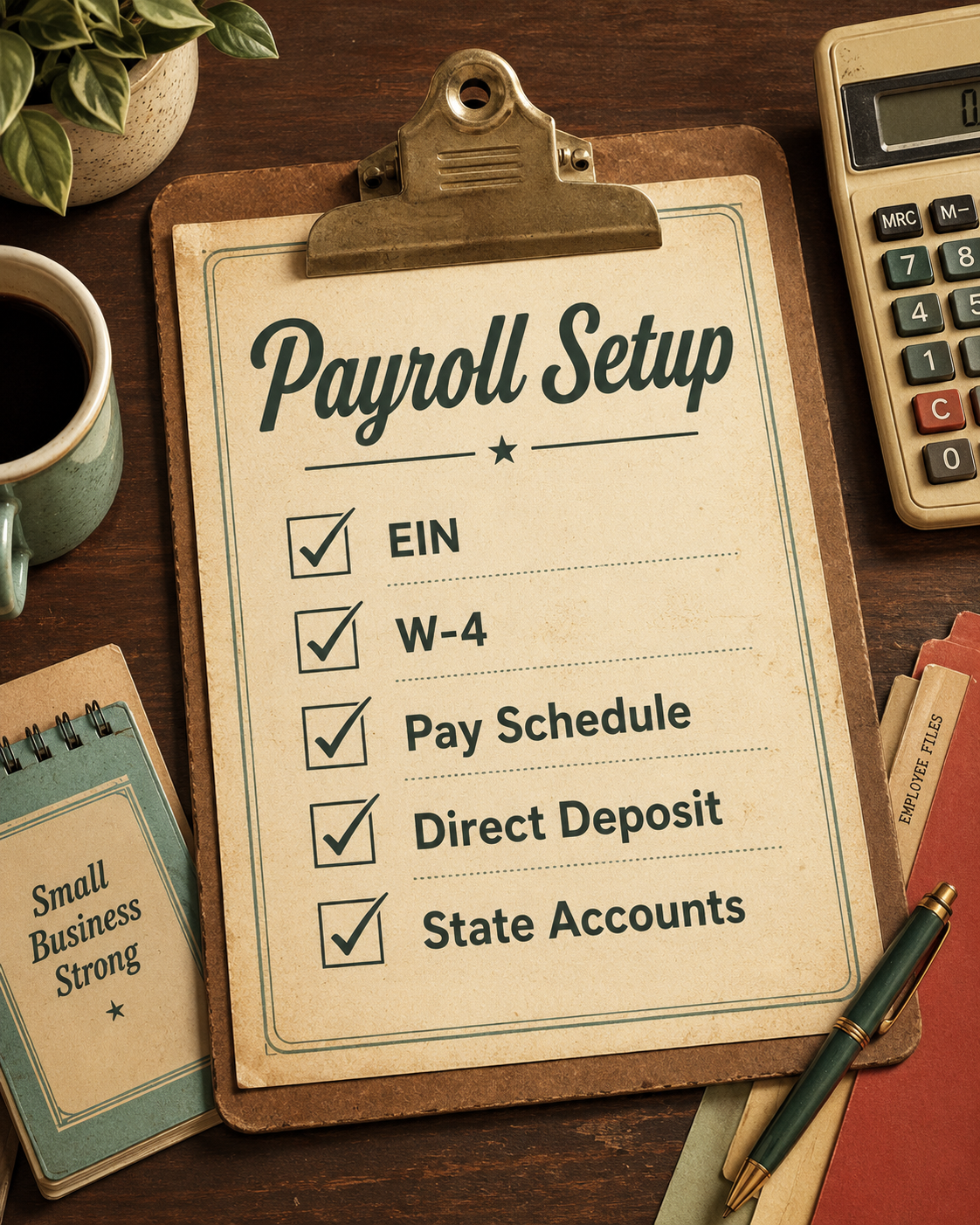
First Payroll Checklist
Before you click submit on the first payroll, review these items:
Do you have:
- EIN
- Business address
- Payroll bank account
- State payroll account details
- Employee W-4
- Employee I-9
- Employee pay rate
- Employee hire date
- Payroll schedule
- Direct deposit details
- Workers’ comp setup
- Sick leave or PTO settings
- Benefit deductions
- Reimbursements
- Correct first pay date
- Correct pay period
For Washington employers, also check:
- L&I workers’ compensation account
- Employment Security Department account
- Paid Family & Medical Leave setup
- WA Cares setup
- Paid sick leave tracking
- Quarterly reporting requirements
A clean setup can save a lot of cleanup later.
Common Payroll Mistakes Small Businesses Make
Payroll mistakes are common, especially when a business hires its first employee.
Some common mistakes include:
- Waiting until payday to set up payroll
- Misclassifying employees as contractors
- Forgetting to register for state payroll accounts
- Not setting up workers’ compensation correctly
- Using the wrong unemployment tax rate
- Forgetting state paid leave programs
- Entering the wrong pay period
- Missing payroll tax deposit deadlines
- Not tracking paid sick leave
- Forgetting to review payroll reports
- Assuming payroll software will catch every setup issue
Payroll software is helpful, but it does not replace careful setup.
Payroll Services for a Small Business?
You may want payroll help if:
- You are hiring your first employee
- You are switching from contractors to employees
- You are setting up QuickBooks Online Payroll
- You have employees in more than one state
- You are unsure about Washington payroll accounts
- You received a payroll tax notice
- Payroll reports do not match your bookkeeping
- Payroll is taking too much time
It is usually easier to set payroll up correctly from the beginning than to fix payroll mistakes later.
Starting payroll is a big milestone for a small business.
It means your business is growing. It also means you have new responsibilities.
Before running payroll, gather your business information, employee forms, payroll schedule, bank details, and state account information.
If you are in Washington State, remember that payroll may include more than federal taxes. You may also need to set up unemployment insurance, L&I workers’ compensation, Paid Family & Medical Leave, WA Cares, paid sick leave tracking, and quarterly reports.
QuickBooks Online Payroll can make the process easier. But the setup still matters.
When payroll is set up correctly from the start, payday feels less stressful and your bookkeeping stays cleaner.
If you are starting payroll for the first time or want help setting up QuickBooks Online Payroll correctly, working with a bookkeeper can help you avoid mistakes before the first paycheck goes out.
FAQs
Do I need an EIN to set up payroll?
Yes in most cases you need an EIN before setting up payroll. Your EIN is the federal tax ID number the IRS uses to identify your business, and payroll systems usually need it before they can file payroll tax forms or make tax payments for you.
Why should a small business use payroll services?
Payroll services can help take a lot of guesswork out of paying employees. They can calculate wages, withhold taxes, file payroll reports, and help you stay on schedule so payroll does not become one more thing keeping you up at night.
Can payroll services work for contractors as well as employees?
Many payroll services can help pay both employees and contractors, but they are not handled the same way. Employees usually have payroll taxes withheld, while contractors are often paid without tax withholding and may need a 1099 at year-end.
Do I need to register with Washington State before running payroll?
Yes, if you are hiring employees in Washington, you generally need to register or update your business license so the proper employer accounts can be set up. This can include unemployment, Paid Family & Medical Leave, and Washington workers’ compensation through Labor & Industries.
What employee documents are required for payroll?
Before running payroll, you usually need basic employee information, a completed Form W-4, Form I-9, and any state or direct deposit forms your business uses. It is much easier to collect these before the first payroll than to chase them down later (and the I-9 is due within 3 days of an employee’s start date per federal regulations).
How do I decide how often to run payroll?
Your payroll schedule should fit your cash flow, your business needs, and any state rules that apply. Many small businesses choose weekly, every other week, twice a month, or monthly, but the key is to pick a schedule you can actually keep consistent.
What are mandatory payroll taxes?
Mandatory payroll taxes usually include federal income tax withholding, Social Security, Medicare, and federal unemployment taxes. Depending on your state, you may also have state unemployment, paid leave, workers’ compensation, or other employer payroll taxes to report and pay.
more2heather@gmail.com | (206) 227-6128